Chat-CLI v0.4.5 is here, kind of

I was really excited to start writing this blog post after pushing v0.4.5 into existence. I added quite a few new capabilities and refactored a lot of code, and more. But, I just realized I'm having some issues with the packaging and delivering of the project with its new dependancies.
Normally this would cause me not to write anything. I'd feel stuck and not ready to write up my notes and observations until I'd figured out what was wrong and fixed the issue. But, I've told myself that I need to stop doing that and just write about the way things are right now, bugs, wet paint, and all.
So let's start by focusing on what I've shipped.
If you've been following along, I wrote last week that I was working on some new functionality for Chat-CLI. I went around and around trying to decide how to approach the problem, and finally decided that a local sqlite database was going to be the right path forward for now. The cloud based architecture I developed works, and it's actually up and running in my own AWS account, but it's complex to get set up and configured and I'm not sure I see the value at doing it that way for now. I think it will come in handy as a place to start when I begin to try and build something else I have in mind, but for now, I'm focused on the CLI tool itself and making that a better and more useful utility.
So, with v0.4.5 you now have the ability to save your chat sessions to a local sqlite database. It happens automatically and saves the messages to a location on your system based on your OS. As you continue to have chats using Chat-CLI, your conversations get saved.
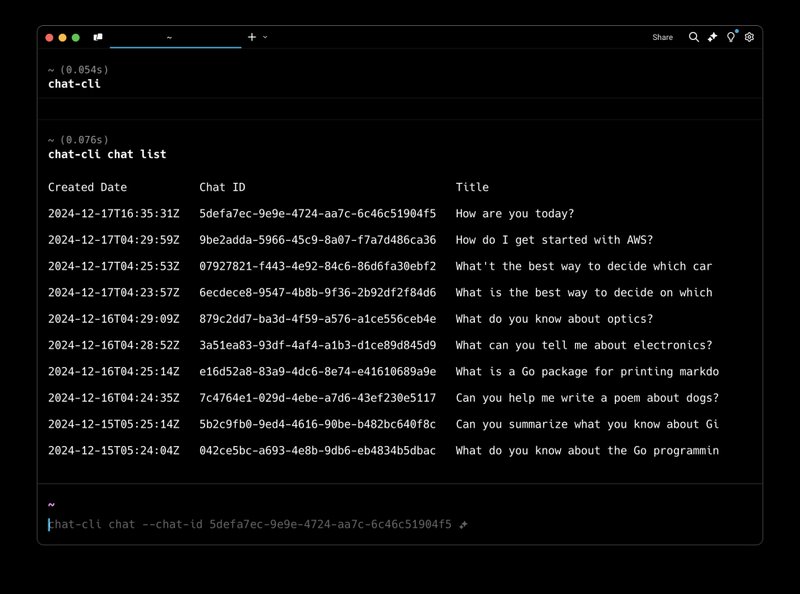
To list your 10 most recent conversations you can do the following:
chat-cli chat list
This will print out something like the screenshot below. From here, you can copy the chat-id you are interested in and do this:
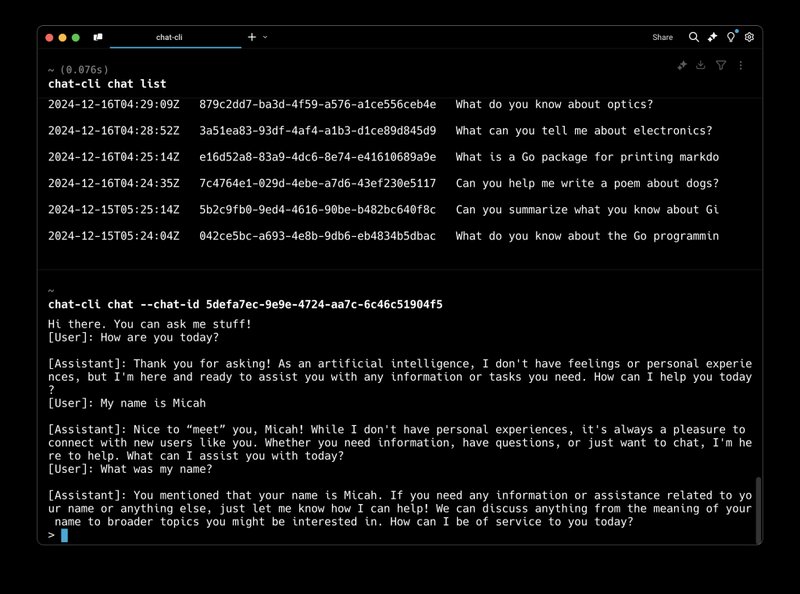
chat-cli chat --chat-id
This will load up your previous chat, print it out and leave you at a prompt where you can continue your conversation.
Nice!
I've been contemplating how to deliver this capability for a while, and sqlite3 and a local config file turned out to be my friend. Super simple, and easy to expand on in the future.
To build this, I turned to Claude. Claude and I engaged in numerous discussions on code structure, style and design. Claude was able to guide me through building a modular design in Go, where I'm able to add on support for PostgreSQL (maybe DSQL?!) in the future with ease, and can also support adding more database functionality in the future.
Claude also walked me through dealing with multiple operating systems when saving files to disk for things like the sqlite3 database file and a local config file.
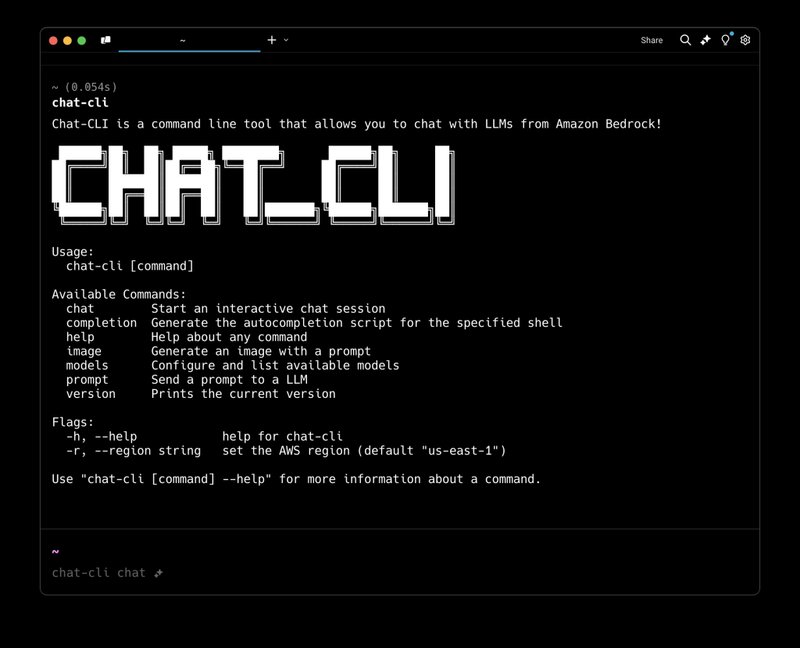
Also, ASCII ART!
If you are on macOS and use Homebrew, you can simply do the following:
brew tap chat-cli/chat-cli
brew install chat-cli

## or to upgrade from a previous install

brew update
brew upgrade
This should bring you to v0.4.5 and should work fine for macOS. I mentioned at the start of this post I was having some issues with packaging for other operating systems. So, if you are on Linux of Windows, the pre-packaged binaries may not work and you will need to compile from the source for now.
This is all because I am using go-sqlite, which requires the binaries to be build with "CGO" enabled. I don't fully understand what that means just yet, but I'm working on it and will release v0.4.6 sometime soon, once I figure it all out.
Yay!