Experimenting with Arcee Lite on Amazon Bedrock Marketplace
The recent announcement of the Amazon Bedrock Marketplace is really exciting. You can now provision over 150 LLMs from a growing list of providers and access them through the Amazon Bedrock interface and APIs. This provides a really slick way to get going with hundreds of models super quick.
I decided to try out Arcee's "Small Language Model" called Arcee Lite. But wait, what the heck is a Small Language Model? I thought bigger was supposed to be better? According to Arcee's website, the idea is to build a more focused model that is more appropriate for specific use cases like customer support, legal doc writing, healthcare and so on.
The end result should be a model that works well within specific domains and is also more cost effective and performant. Nice!
To get started I opened up the new Amazon Bedrock Marketplace and selected a filter to show all of the models available from Arcee. There are a few things to understand around how Marketplace models are priced.
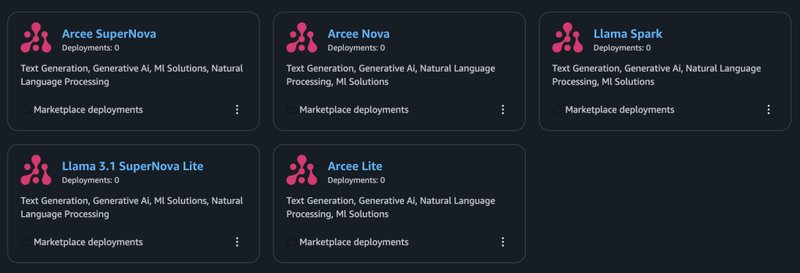
- Each model provider is able to set pricing for the use of their models. Arcee Lite is currently free in this regard, but their premier model called Arcee SuperNova has an hourly cost based on the type of instance you spin up.
- There is also an hourly charge for the use of those instances from AWS. This will look like Amazon SageMaker usage on your bill. For more information on how Amazon Bedrock Marketplace pricing works, read about it here.
Once I found my model, the next step was to Subscribe to the model and accept their terms. This will look somewhat familiar if you have ever used Amazon Marketplace. Once that step is done, you can deploy your model.
There's a few basic settings to get going. You need to pick a number of instances to deploy, and the instance type. You can also set some advanced features like securing your instances behind a VPC (recommended for production workloads).
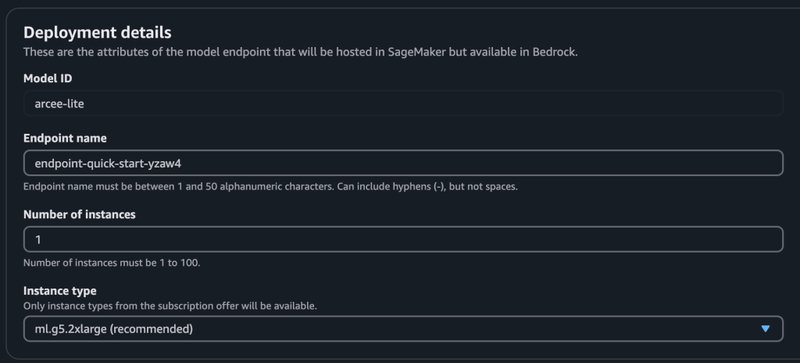
Once you have deployed the model, you will see it available in the Marketplace Deployments area. It will take several minutes to provision, and eventually you will see a green "In Service" attribute under Endpoint Status.
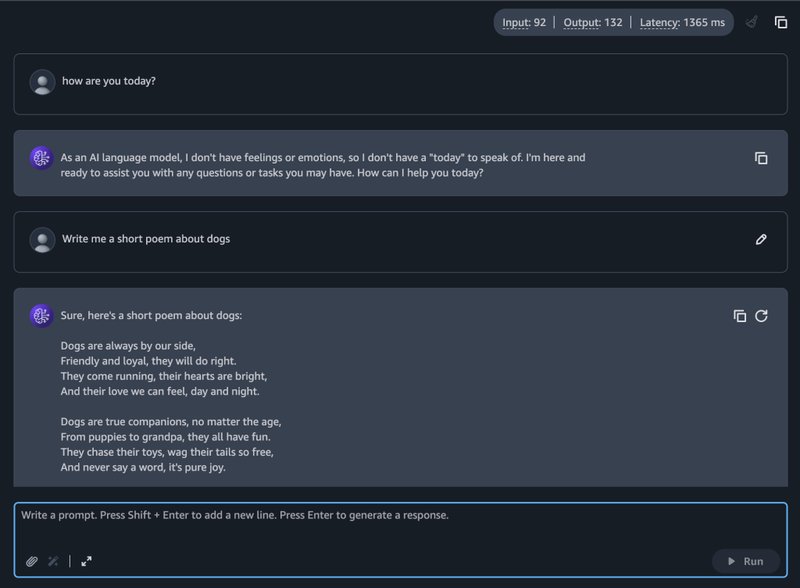
Once your model has been deployed, you can easily open it in the Amazon Bedrock Playground.
If you want to call the endpoint from the command line, you can do this very easily. Just copy the "Endpoint ARN" and use it in place of the model-id flag from the CLI like this:
aws bedrock-runtime converse --model-id arn:aws:sagemaker:region:111122223333:endpoint/example-endpoint-name --messages '[{"role": "user", "content": [{"text": "Describe the purpose of a \"hello world\" program in one line."}]}]'
That's it!